

AI SQL Query Generator Free - Generate SQL From Plain English



Generative AI 360°: Practical Guide to AI
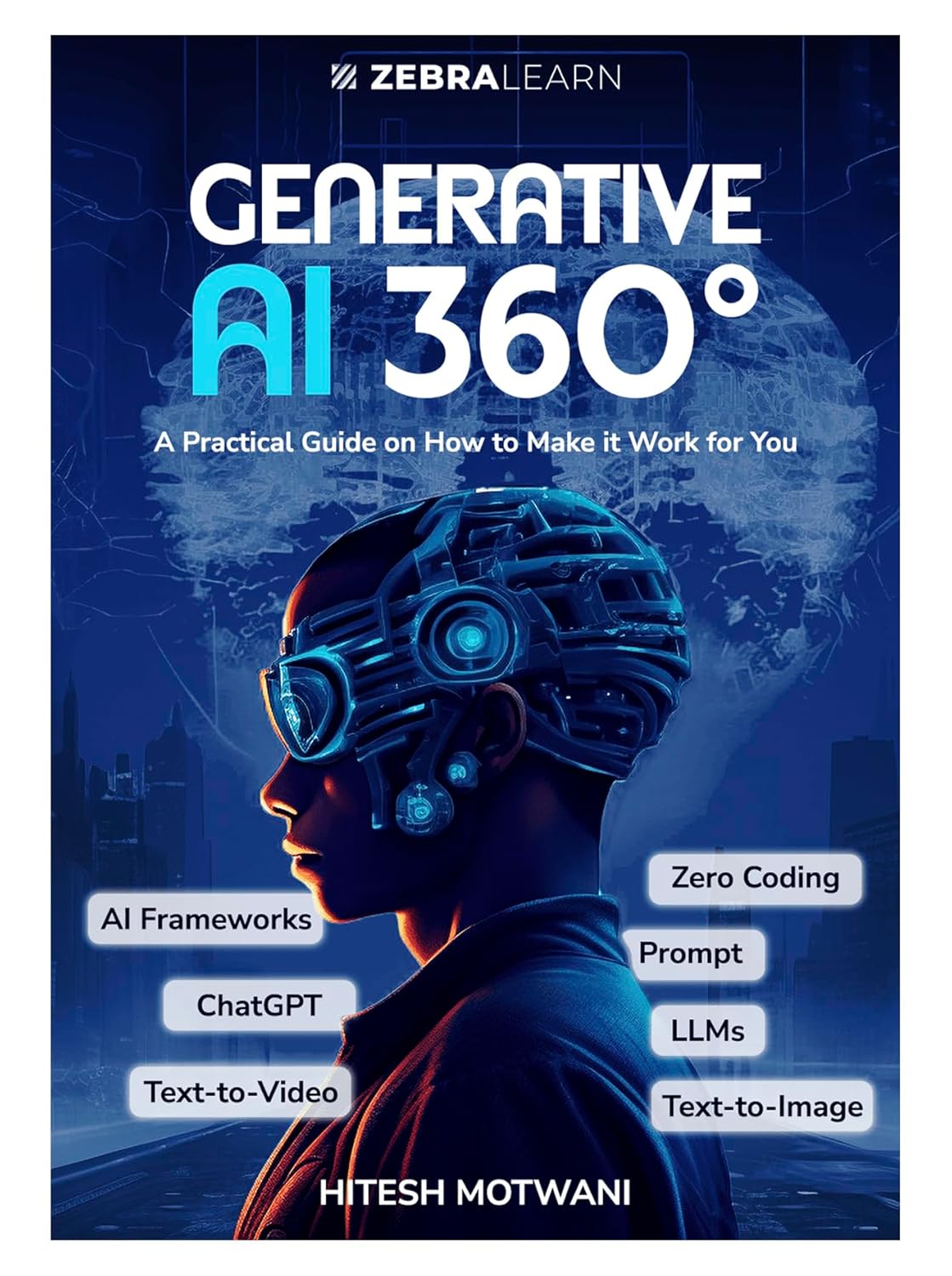
Generative AI 360° is more than just a book—it's a visual, hands-on guide that turns AI beginners into workplace pros, with no tech skills needed. Packed with easy-to-understand visuals, step-by-step guides, and real-life examples, this book shows you how to use Generative AI tools to make your work easier and faster.
Writing SQL queries is one of those things that sounds simple until you are staring at a complex JOIN with multiple conditions at 11 PM trying to figure out why your results are wrong. Whether you are a backend developer, a data analyst, or someone who just needs to pull a report from a database — an AI SQL query generator can save you real time.
We built one. It is free, it works instantly, and you do not need to sign up for anything. Just describe what you need in plain English and get working SQL back in seconds.
🤖 Free AI SQL Query Generator
Describe your query in plain English. Get working SQL instantly. Supports MySQL, PostgreSQL, SQLite and more.
Try the SQL Generator Free →Free · No signup · Works instantly
Why Developers Actually Use This
You probably know the basics of SQL — SELECT, WHERE, ORDER BY. But the moment you need something slightly beyond the basics, things get complicated fast. Subqueries, GROUP BY with HAVING, window functions, CTEs, date range filters — these are the queries that take 20 minutes to write and another 20 to debug.
Here are real situations where an AI SQL generator genuinely helps:
- You know what data you need but can not quite remember the exact syntax for a complex JOIN or aggregate function.
- You are working in an unfamiliar database — you know MySQL well but the project uses PostgreSQL, and the syntax is slightly different.
- You need a quick query for a one-time report and do not want to spend 30 minutes writing and testing it manually.
- You are learning SQL and want to see how a specific type of query should be structured before writing your own version.
How to Use the AI SQL Generator
It could not be simpler. Go to our free AI SQL Query Generator and describe your query in plain English. For example:
-- You type:
"Get the top 5 customers who spent the most in the last 30 days,
 show their name, email and total amount spent"

-- AI generates:
SELECT
    c.name,
    c.email,
    SUM(o.amount) AS total_spent
FROM customers c
JOIN orders o ON o.customer_id = c.id
WHERE o.created_at >= DATE_SUB(NOW(), INTERVAL 30 DAY)
GROUP BY c.id, c.name, c.email
ORDER BY total_spent DESC
LIMIT 5;
You describe it like you would explain it to a colleague. The AI handles the syntax, the JOINs, the aggregations, and the edge cases.
What Kinds of Queries Can It Generate?
- Basic SELECT with filters and sorting
- INNER JOIN, LEFT JOIN, multiple table joins
- GROUP BY with COUNT, SUM, AVG, MAX, MIN
- Subqueries and nested SELECT statements
- Date range filters and date arithmetic
- INSERT, UPDATE, DELETE statements
- CREATE TABLE with proper data types and constraints
- Window functions (ROW_NUMBER, RANK, LEAD, LAG)
- CTEs (Common Table Expressions) for complex logic
Which Databases Does It Support?
Our AI SQL generator works for all major relational databases:
- MySQL — the most common choice for PHP and Laravel projects
- PostgreSQL — for projects needing advanced features
- SQLite — lightweight, file-based databases
- SQL Server — Microsoft enterprise environments
- Generic SQL — standard ANSI SQL that works everywhere
Just mention which database you are using in your description and the generator will use the correct syntax for that platform.
A Few Example Prompts to Try
-- Example 1
"Find all users who registered in the last 7 days but have not placed any order"

-- Example 2
"Get the monthly revenue for 2026, grouped by month"

-- Example 3
"Find duplicate email addresses in the users table"

-- Example 4
"Get the second highest salary from the employees table"

-- Example 5
"Show all products that have never been ordered"
These are exactly the kinds of questions that take time to write from scratch. Try them on our free SQL generator tool and see how fast you get a working query.
Is the Generated SQL Safe to Use?
The generated queries are a solid starting point — not a final answer you paste blindly into production. Always review what the AI generates before running it, especially for UPDATE and DELETE statements. A few things to check:
- Make sure table and column names match your actual schema
- Test on a development database before running on production
- For DELETE and UPDATE — always add a WHERE clause and double-check it
- Check indexes if the query will run on a large table
Think of AI-generated SQL the same way you think of Stack Overflow answers — genuinely useful, usually correct, but always worth reading before you use it.
Stop writing SQL from scratch
Describe what you need. Get the SQL. Adjust if needed. Done.
→ Open AI SQL Query Generator (Free)Final Thought
SQL is not going anywhere — every backend developer works with databases and every database needs queries. But writing complex SQL from scratch every time is a time sink that does not need to be. Our free AI SQL Query Generator is here for exactly those moments — when you know what you need but just want to get there faster.
Give it a try. Describe your query in plain English and see what comes back. And if you are looking to sharpen your SQL fundamentals, check our guide on database normalization — understanding your schema well is what makes you write better queries in the first place.
Generative AI 360°: Practical Guide to AI
Generative AI 360° is more than just a book—it's a visual, hands-on guide that turns AI beginners into workplace pros, with no tech skills needed. Packed with easy-to-understand visuals, step-by-step guides, and real-life examples, this book shows you how to use Generative AI tools to make your work easier and faster.
📚 You Might Also Like
- → Best Google AdSense Alternative 2026 - Monetag Review for Publishers miscellaneous
- → Top Java Interview Questions for 6+ Years Experience (2026) java
- → HTTP QUERY Method (RFC 10008) — The New HTTP Method Every Developer Should Know miscellaneous
- → How to Start Freelancing as a Web Developer in 2026 (Complete Beginner's Guide) miscellaneous
- → MyLync - Best Free Linktree Alternative for Developers, Creators & Businesses miscellaneous